
Download Windows Product Key Finder – Free, Secure Tool to Retrieve Your Windows Activation Key
What Is Windows Product Key Finder? A Simple, Secure Solution for Key Retrieval
In today’s digital landscape, retrieving your Windows product key can be a crucial step—whether you're reinstalling your operating system, upgrading hardware, or transferring your license to a new device. Windows Product Key Finder is a lightweight, free, and secure tool designed specifically for this purpose. Unlike complex software solutions, this utility is straightforward, efficient, and requires no installation. It runs directly from an executable file, making it accessible on any Windows machine with .NET Framework 2.0 or higher already installed.
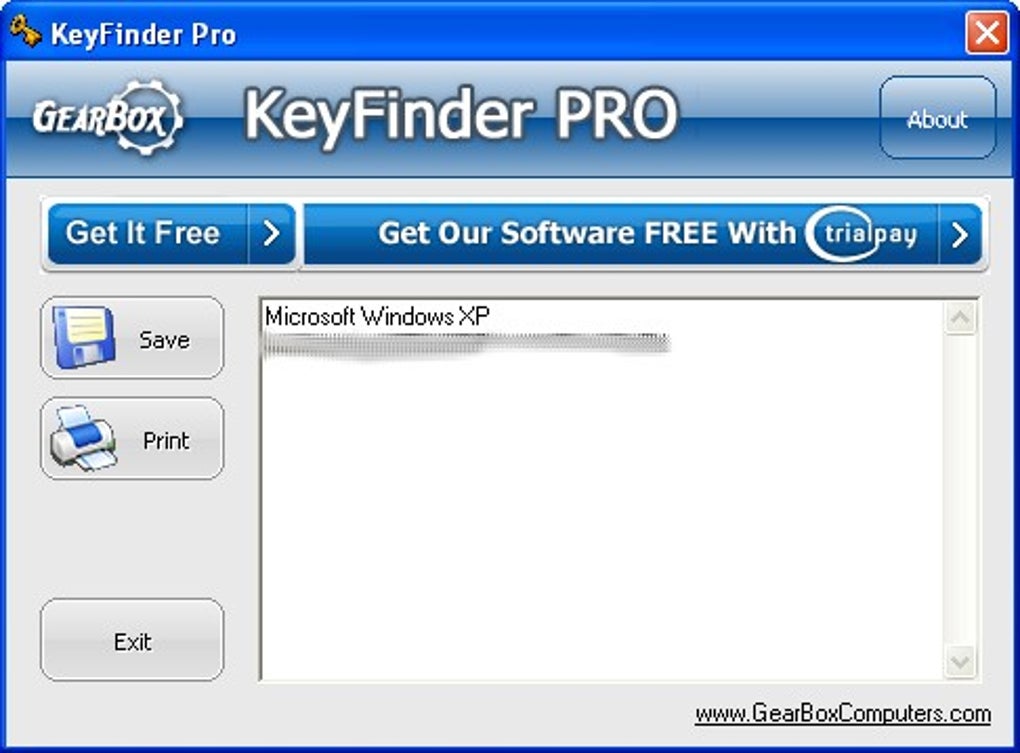
One of the standout features of this tool is its simplicity. The interface closely resembles a command prompt, offering a clean and minimal design that focuses on functionality. Users are not overwhelmed with unnecessary options or cluttered menus. Instead, they are presented with essential system details such as the device owner, OS type, and initial installation date. After reviewing this information, simply clicking the “Find Key” button initiates the scan process. Within seconds, the tool displays your product key in a clearly highlighted box, ensuring easy copy-and-paste functionality.
Being open-source means the code is publicly available, allowing developers and security experts to review it for vulnerabilities. This transparency enhances trust and ensures the tool does not collect, transmit, or store any personal data. For individuals and IT professionals alike, this makes Windows Product Key Finder a reliable choice. Whether you're a home user recovering a lost key or an administrator managing multiple systems, this software delivers fast, accurate results without compromising privacy.
Key Features & Benefits of Using Windows Product Key Finder
Windows Product Key Finder offers a powerful set of features that make it a must-have tool for anyone needing to recover their Windows license key. The software is designed with both simplicity and security in mind, ensuring a seamless experience across different user levels.
- Instant Key Retrieval – Scans your system in seconds and displays the product key in a highlighted, easily copyable format.
- No Installation Required – Runs as a standalone executable file, eliminating the need for a traditional setup process.
- Open-Source & Transparent – The code is publicly available, allowing for community scrutiny and continuous improvement.
- Lightweight & Fast – Consumes minimal system resources, making it ideal for older or low-spec machines.
- Privacy-Focused – Does not collect, transmit, or store any user data—your information stays on your device.
- Compatible with All Windows Versions – Works on Windows 7, 8, 8.1, 10, and 11 without issues.
- Command-Line Inspired Interface – Clean, no-frills design that’s intuitive for both beginners and advanced users.
Another major advantage is its suitability for IT professionals and system administrators. Managing multiple devices? This tool allows you to quickly retrieve product keys from various machines without the need for additional software or licensing. It’s especially useful during large-scale migrations or when preparing backup images. The fact that it only requires .NET Framework 2.0 ensures broad compatibility across legacy and modern systems.
Additionally, the tool supports offline operation—no internet connection is needed. This is a significant benefit for users in secure environments where external access is restricted. Whether you're working in a corporate network or on a personal device, Windows Product Key Finder remains a dependable, self-contained solution. With regular updates from the open-source community, the tool continues to evolve while maintaining its core promise: speed, security, and simplicity.
How to Use Windows Product Key Finder – Step-by-Step Guide
Using Windows Product Key Finder is incredibly straightforward, making it accessible even for users with minimal technical knowledge. Follow these simple steps to retrieve your Windows product key in under a minute.
- Download the Tool – Visit the official source and download the Windows Product Key Finder executable file. Ensure you’re downloading from a trusted site to avoid malware.
- Check System Requirements – Confirm that .NET Framework 2.0 or higher is installed on your system. Most modern Windows versions already have this installed, but you can verify via Control Panel > Programs > Turn Windows features on or off.
- Run the Executable – Double-click the downloaded file to launch the application. No installation wizard or setup process is required—just run it directly.
- Review System Info – The tool will display basic system details such as the owner name, OS version, and installation date. This helps verify the correct system before proceeding.
- Click “Find Key” – Once you’ve reviewed the information, click the “Find Key” button at the bottom of the window.
- Copy the Product Key – After a few seconds, the product key will appear in a highlighted box. Right-click and select “Copy” or use Ctrl+C to copy it to your clipboard.
- Use the Key – Paste the key into your installation wizard, activation portal, or documentation as needed.
For advanced users, the tool also supports batch processing through command-line arguments, allowing automation in larger environments. However, the default GUI mode is sufficient for most users. The entire process is non-destructive—your system files remain untouched, and no changes are made during the scan.
It’s important to note that this tool only retrieves the product key stored in your system’s registry. It does not modify or delete any data. This makes it safe to use on production machines or sensitive workstations. With no risk of system instability or data loss, you can confidently use Windows Product Key Finder to recover your license key whenever needed.
Compatibility & System Requirements
Windows Product Key Finder is designed to work across a wide range of systems, ensuring broad accessibility for both home users and IT teams. The software is compatible with all major versions of the Windows operating system, including Windows 7, 8, 8.1, 10, and 11. This makes it an ideal solution for users upgrading from older systems or managing mixed environments.
The only prerequisite is the presence of .NET Framework 2.0 or higher. This is a standard component included in most modern Windows installations. If you're unsure whether it's installed, you can check via the Control Panel or by running the dotnetfx.exe installer from Microsoft’s official site. Once confirmed, you’re ready to use the tool.
While the software is primarily built for Windows, there are no official versions for Mac, Android, or iOS. However, users on non-Windows platforms can still access their product keys using alternative methods such as third-party tools or by accessing the original purchase receipt. For Windows users, this tool remains the most efficient and secure way to retrieve the key without relying on external services.
Because it’s a portable application, Windows Product Key Finder can be run from a USB drive, making it perfect for on-the-go system recovery or emergency repairs. This portability adds to its versatility, especially in IT support scenarios where you may need to recover keys from multiple machines without installing software.
Pros and Cons: Is Windows Product Key Finder Right for You?
Pros
- Free to download and use with no hidden costs
- Extremely lightweight and fast—results in seconds
- No installation required—runs directly from the executable
- Open-source and transparent—no data collection or tracking
- Secure and safe—does not modify system files
- Compatible with all Windows versions from 7 to 11
- Perfect for IT professionals managing multiple devices
Cons
- Only works on Windows systems (no Mac, iOS, or Android support)
- Requires .NET Framework 2.0 or higher (rarely an issue, but may need updating)
- Basic interface—no advanced customization options
- Does not support activation or reinstallation (only retrieval)
Frequently Asked Questions (FAQ)
Final Verdict: A Must-Have Tool for Every Windows User
Whether you're a home user recovering a lost key or an IT professional managing multiple systems, Windows Product Key Finder delivers a fast, secure, and reliable solution. Its lightweight design, open-source nature, and zero installation process make it one of the best free tools available for product key retrieval.
With no cost, no risk, and instant results, this software stands out in a crowded market of similar tools. It’s a must-download for anyone who values efficiency, privacy, and simplicity. Don’t wait until you’re stuck during a reinstallation—download Windows Product Key Finder today and keep your Windows license secure and accessible.
Download now and retrieve your product key in seconds—free, safe, and hassle-free.







